Open a ticket, assign Codex or Claude Code and start it on a developer’s machine. Get back to your own work while DevOS brings you updates across projects. When it’s ready, review the changes and checks or hand the task to a teammate with the full context.
DevOS turns the ticket into a shared brief. Capture the scope, constraints and acceptance checks once, then carry them through to review.
GitHub issue → DevOS briefScope approved
Acceptance check
Timeout retries never charge twice
Keep intact
Invoice IDs and webhook contracts
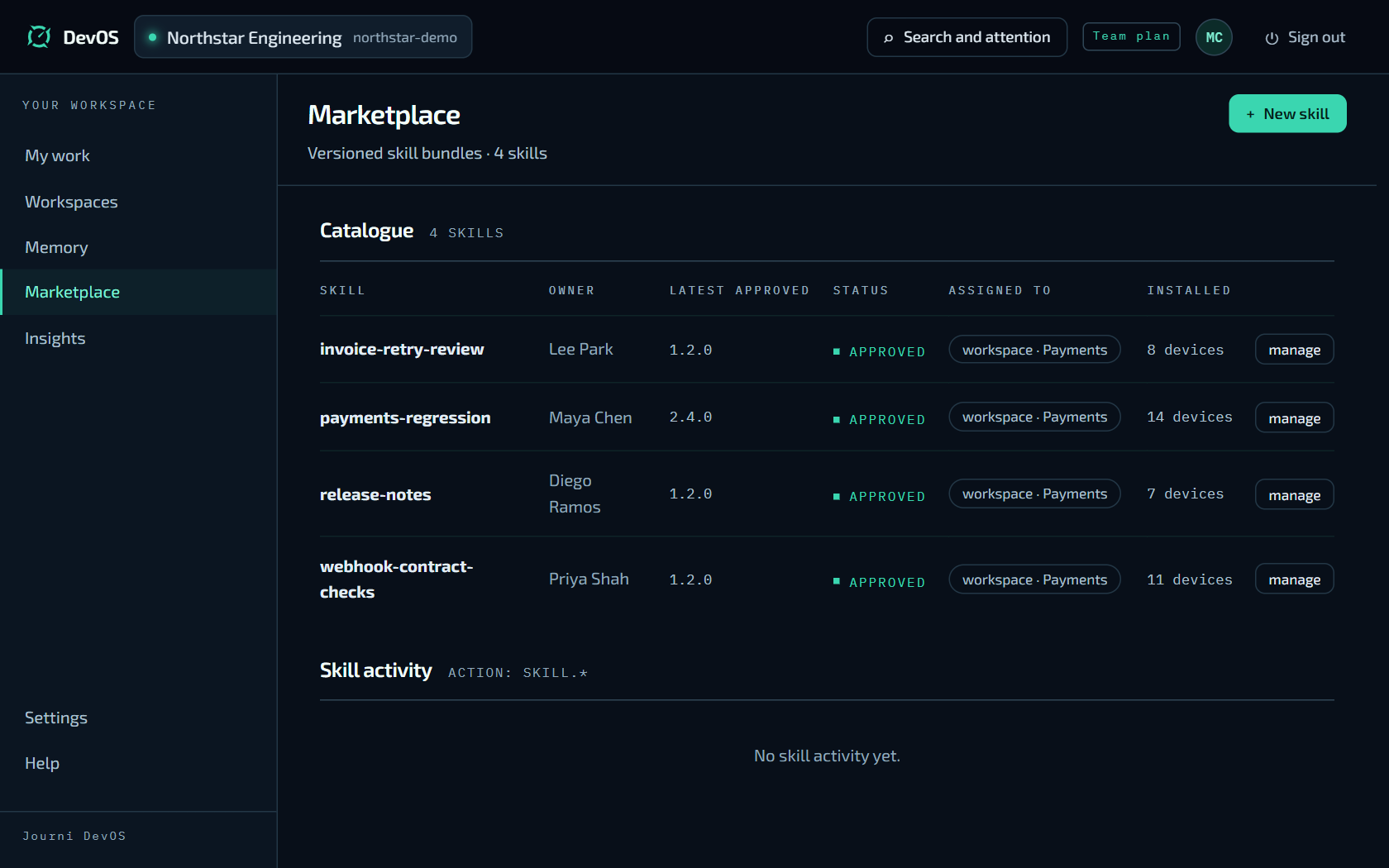
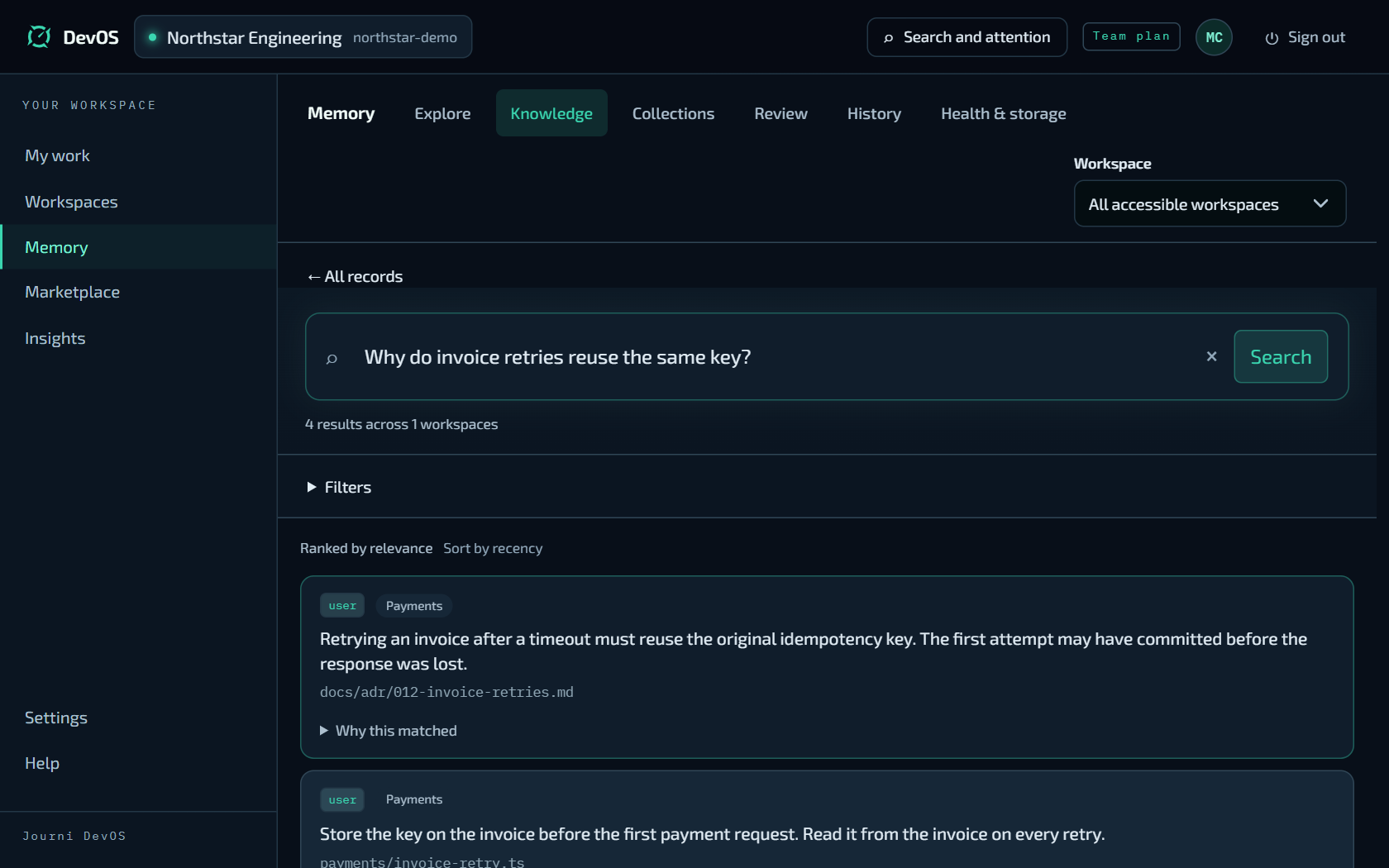
Put your team’s knowledge to work
Relevant code, past decisions and approved skills go with the task. The agent starts where your team left off, without another round of explaining the codebase.
Workspace memory & skillsContext attached
Project memory
ADR-012 · Reuse the original idempotency key
Approved skill
payments-regression · v2.4
Run on any connected developer machine
Pick a device with the coding client ready, then get on with your day. DevOS keeps the task’s progress and requests for input in view.
Codex · Device activityRun complete
Developer device
maya-dev · Payments workspace
Verification
Unit tests and webhook replay complete
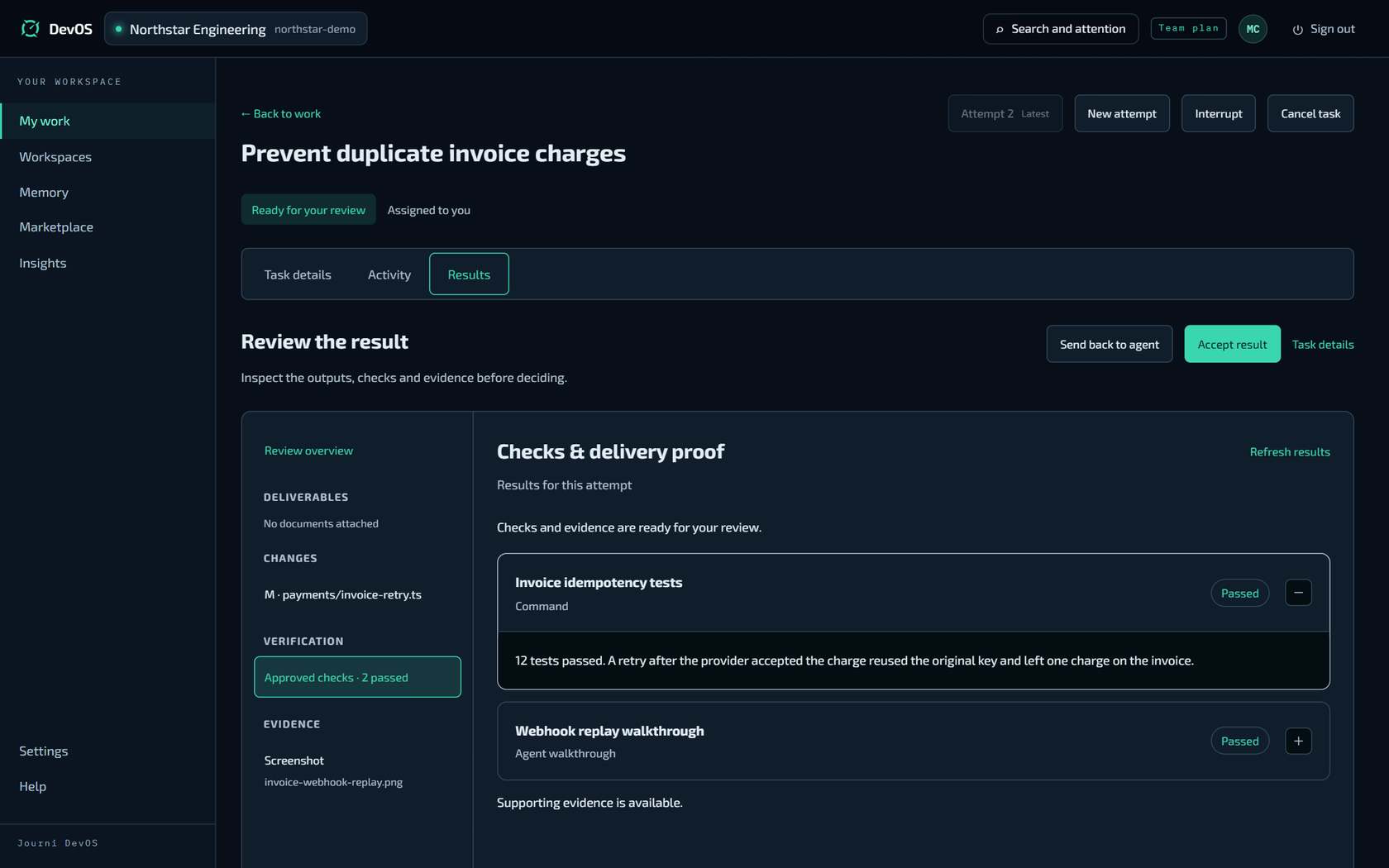
Know exactly what you’re approving
See what was agreed, inspect the diff and check what passed. Make the call with the whole story in front of you: approve, send it back or hand it over.
DevOS review · PAY-284Ready for approval
Changes
3 files · +42 / −11
Acceptance checks
Idempotency and webhook replay passed
Works with your team’s tools
Codex
Claude Code
GitHub
Slack
Azure DevOps
Code moves faster. Your team should too.
Pick up where your team left off.
Open the task to see the decision, the next step and who needs to act. A teammate can take over without a recap call.
Start with what your team knows.
Give Codex or Claude Code the relevant files, past decisions and approved skills up front. The next task starts with the team’s knowledge already in reach.
See what’s ready to ship.
An agent opens a pull request in minutes. You spend the afternoon digging through chat and CI to figure out why the code changed and which checks passed. In DevOS, the original brief, code changes and check results are all on the task.
Platform
Stop rebuilding your workflow.
Change agents without starting over. The brief, the team’s standards and the proof travel with the task.
One task from issue to verified changes.
Agree the brief, choose your coding client and run on an eligible developer machine. Review changes and verification evidence before approving delivery.
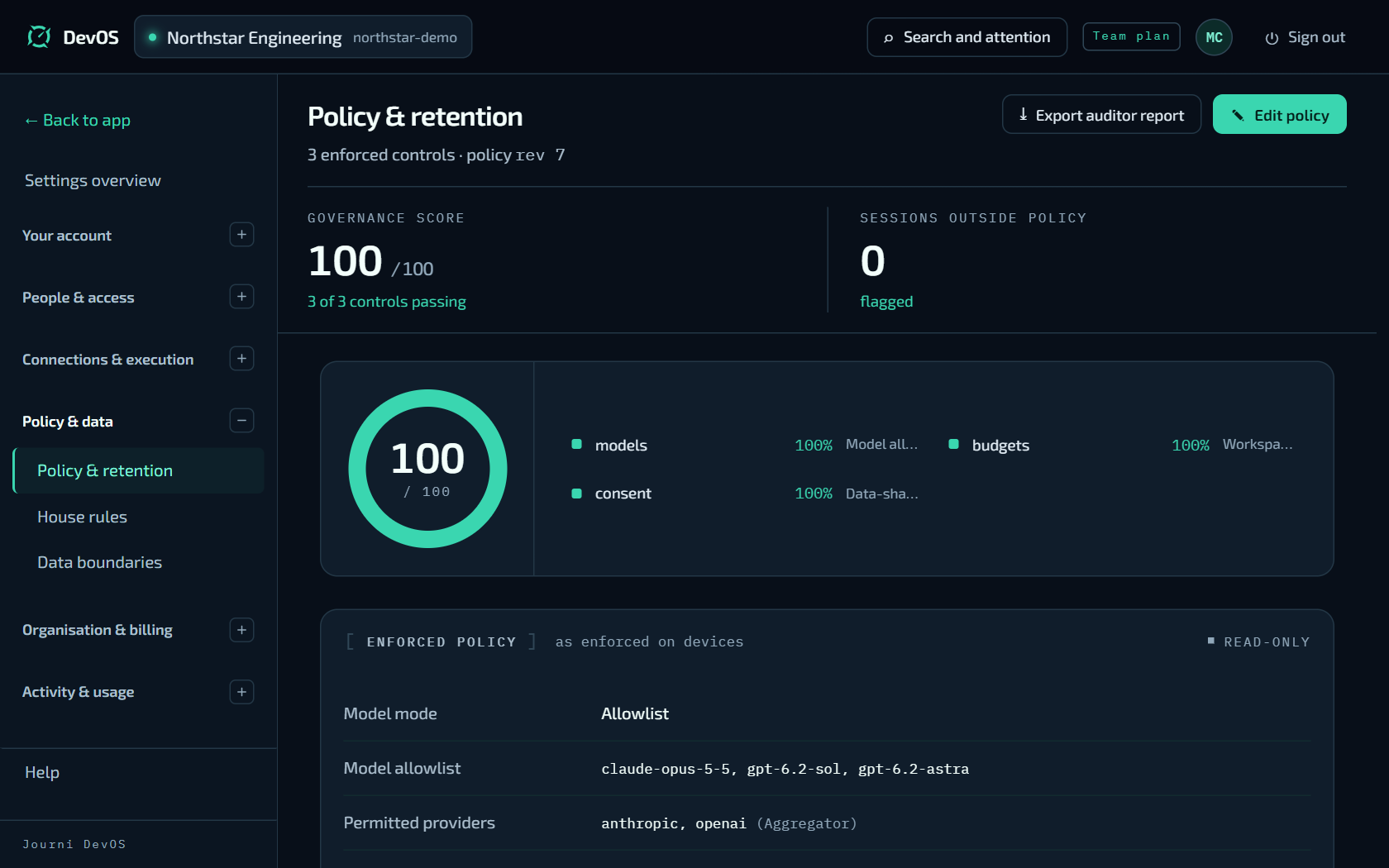
Manage model rules, budgets and consent at organisation level, tighten them for individual teams and workspaces, and audit sessions. Enforcement depends on the host and routing setup.
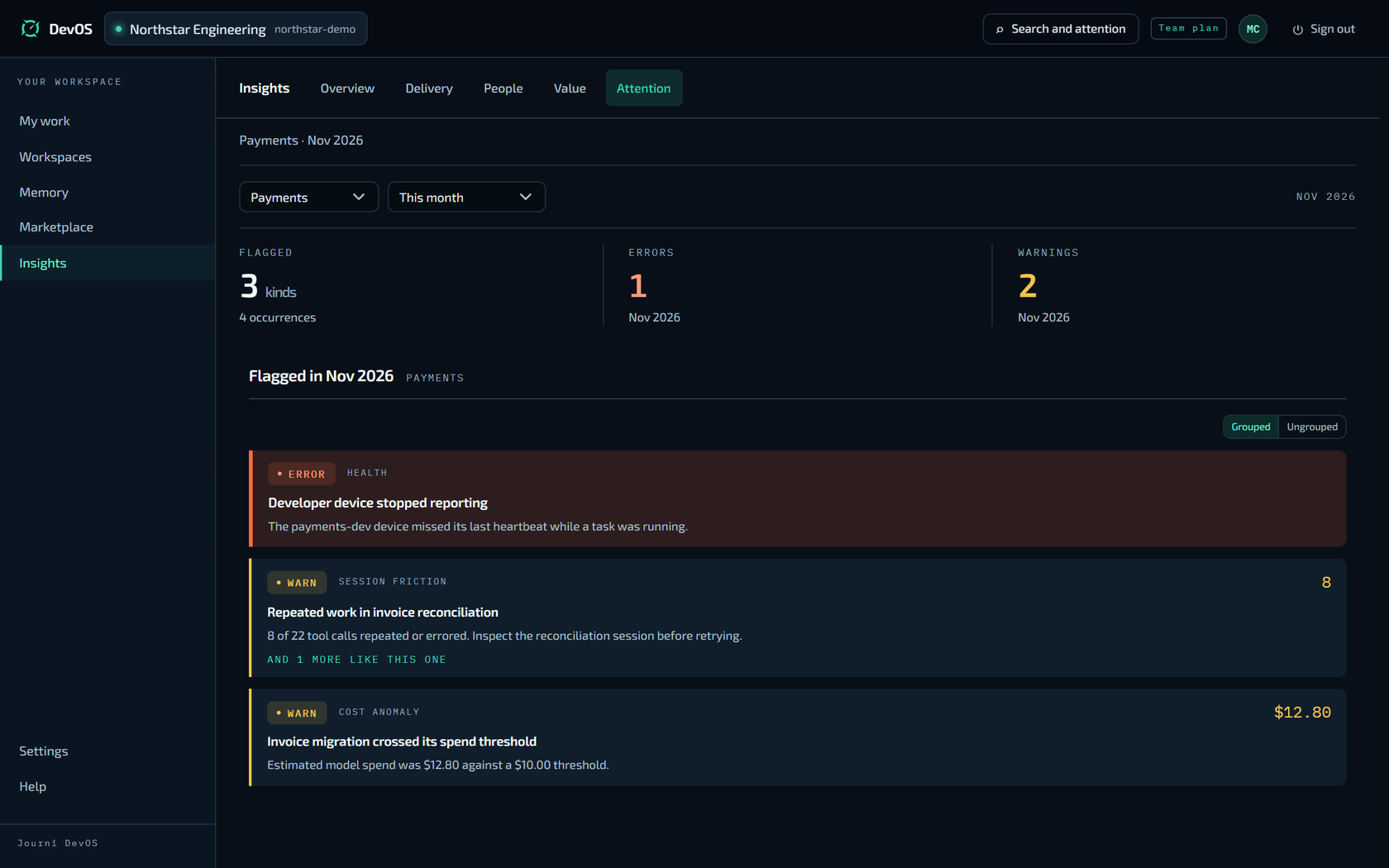
Spot costly or high-friction sessions and inspect the signals behind an alert. Track AI spend and compare team delivery metrics by AI-assisted authorship.
Yes. DevOS coordinates the work around supported clients like Codex and Claude Code. Keep your repositories and link supported issues and delivery providers to the task.
How do GitHub and Slack fit in?
Link a GitHub issue to a DevOS task, follow progress in Slack, and review the changes and test results in DevOS before merging the pull request on GitHub. These integrations are planned for launch.
Analytics cookies help us understand how the site is used so we can make it better. They only run if you accept — it's your choice, and you can change it anytime. See our privacy & cookie policy.